FomoPeek iOS Wallet Key Exposure: Move Funds to Fresh Keys
SlowMist and OKX warned that FomoPeek iOS versions 1.1–1.2 contained malicious components that may expose private keys, seed phrases and other Keychain data.
Crypto Support & Research Desk
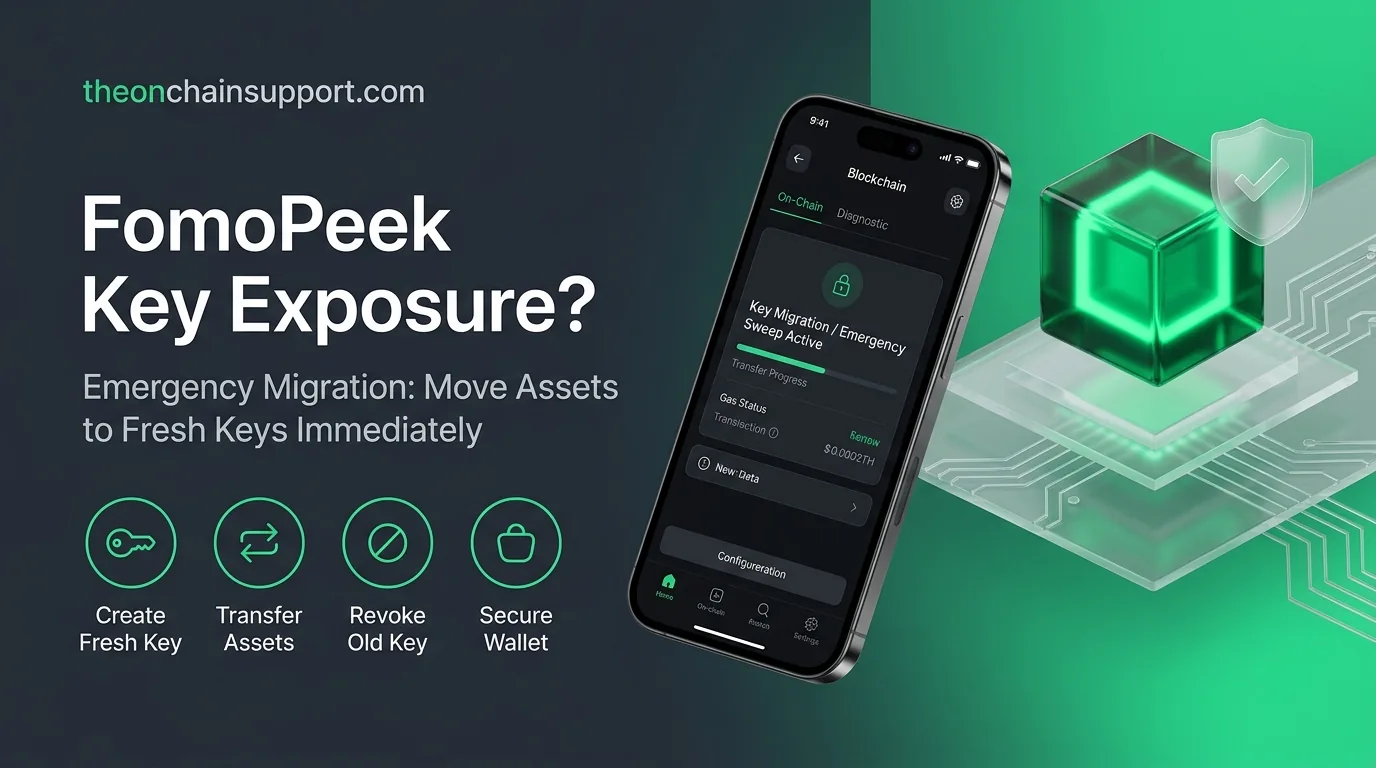
Direct answer: If you installed or used FomoPeek iOS versions 1.1 or 1.2, treat wallet credentials stored or used on that device as potentially compromised. SlowMist and OKX reported malicious components capable of escaping the normal iOS sandbox and potentially accessing Keychain data, including private keys, seed phrases and login credentials. Deleting the app alone does not make an exposed seed phrase safe. Create a new wallet with fresh keys on a clean device and move remaining assets after verifying the new wallet software.
What did researchers find?
SlowMist said it received multiple reports of stolen crypto from users who had installed FomoPeek 1.1–1.2. A joint investigation with OKX identified code unrelated to the app’s advertised functions, including an iOS kernel exploitation framework with multiple exploit methods and suspicious remote communication.
The reported risk extends beyond FomoPeek’s own data. If the exploit succeeds, researchers say it may access information stored elsewhere on the device, including Keychain records, private keys, seed phrases, login credentials, chat histories and files from other applications.
What affected users should do now
1. Stop using the affected device for wallet operations
Do not create the replacement wallet on the same potentially compromised device. Use a clean device that never had the affected FomoPeek version installed and obtain wallet software from the wallet provider’s verified source.
2. Generate completely new wallet credentials
Create a new seed phrase or private key. Do not import or reuse the old recovery phrase. A seed phrase is the wallet identity; once exposed, changing a password or deleting an app does not revoke it.
3. Move remaining assets
From a safe environment, transfer assets from addresses controlled by the potentially exposed keys to the new wallet. Check token balances, NFTs, staked positions and assets across every chain derived from the old seed. Use small test transfers where practical.
4. Review unauthorized transactions and approvals
Inspect wallet history across relevant explorers. If an EVM address was used, review token approvals as an additional precaution, but remember that approval revocation cannot protect funds if the private key itself has been stolen. Moving to fresh keys is the critical step.
5. Rotate other exposed credentials
If exchange passwords, API keys, email credentials or authentication data were stored on the device, rotate them from a clean device. Review active sessions and withdrawal-address settings on centralized exchanges.
Why deleting FomoPeek is not enough
Removing malware can stop future collection, but it cannot make a copied secret unknown again. An attacker who already obtained a private key can sign transactions later without access to the original phone. That is why security teams recommend fresh keys rather than simply reinstalling the same wallet.
Which iOS versions may be affected?
Current reporting says the analyzed exploit framework included methods targeting a wide range of iOS releases, including iOS 12.0–18.7 and iOS 26.0–26.1. The investigation concerns FomoPeek versions 1.1–1.2 specifically.
Scam warning
Do not respond to anyone offering a FomoPeek recovery service. Never send a seed phrase, private key or “verification payment.” A legitimate incident-response process will not ask you to transfer crypto to a support-controlled safe wallet.
Source
Crypto Times summary of SlowMist and OKX findings, September 19, 2026. Users should verify ongoing updates from SlowMist and OKX security channels.
FAQ
I deleted FomoPeek. Is my wallet safe now?
Not necessarily. If the seed phrase or private key was already exposed, deleting the app does not revoke that credential. Move funds to a wallet generated from fresh keys on a clean device.
Should I just change my wallet password?
No. A local wallet password does not change the underlying seed phrase or private key.
Do I need to revoke token approvals?
Reviewing approvals can help, but if the private key itself may be compromised, moving assets to fresh keys is more important than relying on approval revocation alone.
This article provides informational security guidance and is not investment, legal, or financial advice. For significant losses or suspected device compromise, consider professional incident-response assistance and verify instructions through trusted security sources.
Regulatory & Financial Risk Disclosure
The opinions, research, and analysis expressed in this publication are solely for educational and informational purposes and do not constitute investment, financial, legal, or tax advice. Digital asset markets are speculative and volatile. Past performance does not indicate future results. Always perform independent due diligence.
About the Author
Crypto Support & Research Desk
Crypto Support Desk publishes practical, source-led guides to exchange, wallet, network and on-chain service changes. Information is checked against primary or reputable security sources and is not investment advice.